Learning is
your game.

Welcome to the Lioverse. Learn with friends, ace your exams – with fun instead of stress.
8.000+
learners
25
universities
100k
learning questions
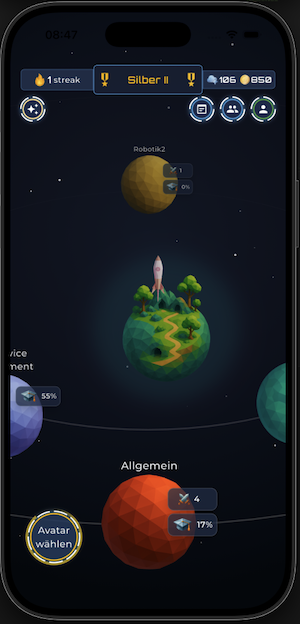
Learn Battle app home screen

A learning platform that
feels like a game

Learn Battle turns dry study material into playful missions. Whether you train solo, challenge your friends or bring smart learning content to an entire university – everyone learns their own way in the Lioverse.

For Learners

Learn playfully on your own or challenge your friends to a Battle.

Learn more →

For Teachers

Create learning content for your courses in minutes – with AI support.

Learn more →

For Institutions

Bring your entire university into the Lioverse – scalable and GDPR-compliant.

Learn more →

Choose your mission

SOLO TRAINING

The spaced-repetition algorithm shows you exactly the questions you need to practice.
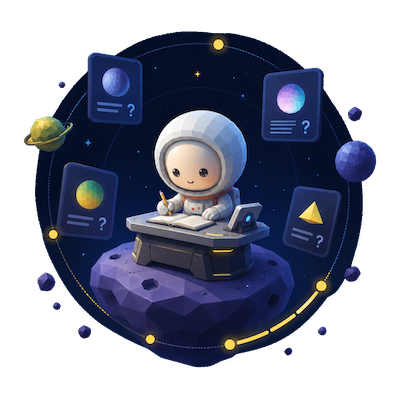
Solo Training overview
BATTLE MODE

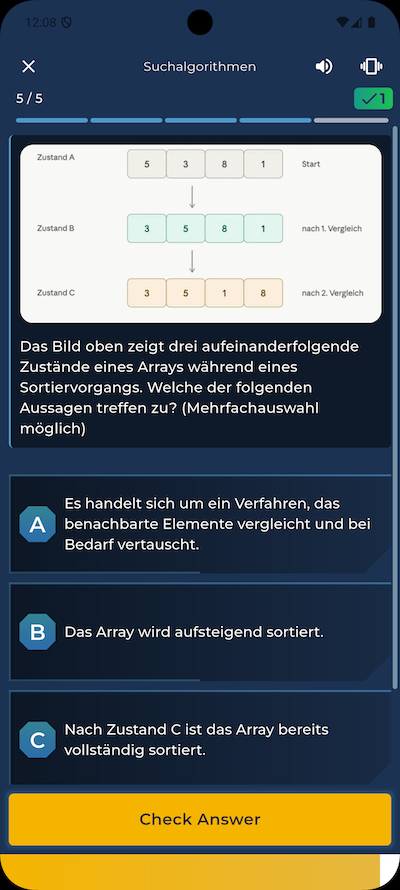
4 rounds. 3 questions per round. 1 winner. Challenge your friends.
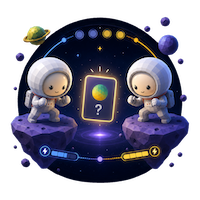
Battle question
EXPEDITION MODE

Exam coming up? Test yourself on 100 % of your material under time pressure.
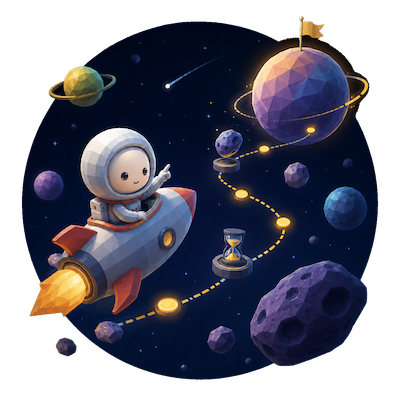
Expedition in the Lioverse
Lio, your learning companion
"Hey, got 5 minutes to learn? Your friends are already waiting!"

Your personal
learning companion

Lio accompanies you through every mission – motivates you, reminds you to learn and celebrates your wins. You never learn alone in the Lioverse.

Try the Lio mini-game →

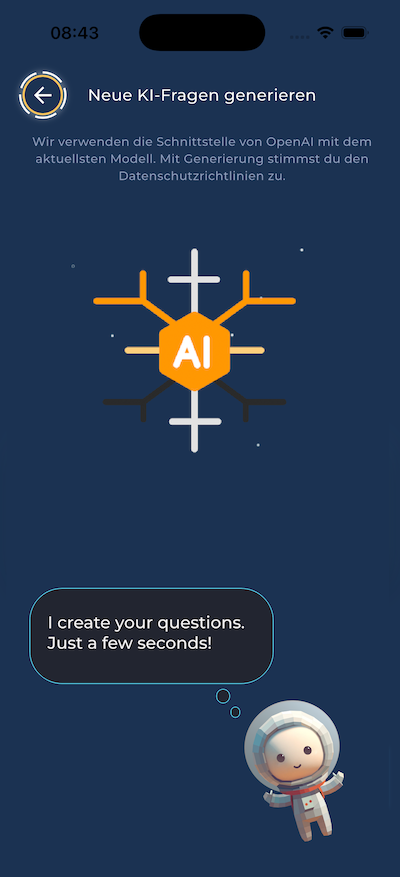
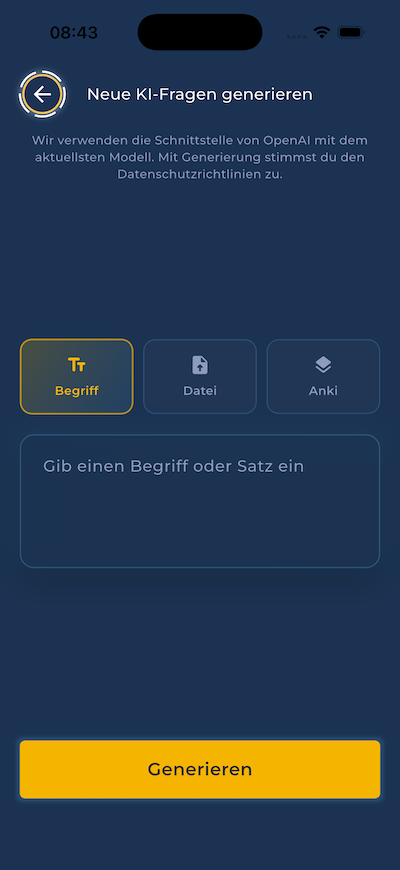
A learning question in seconds

Upload your material and Lio does the rest. Four steps and you're ready to go.

1

Upload PDF

Upload your script or your notes.

2

Lio processes it

Lio anonymizes and processes your material.

3

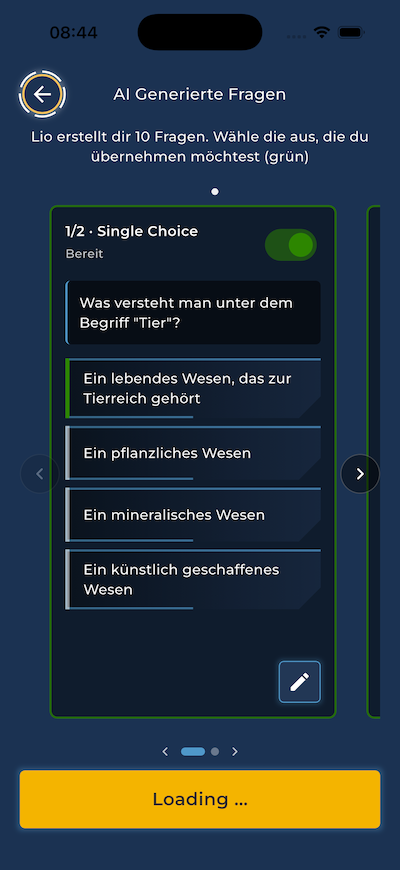
AI creates questions

Revise, remove or keep the questions that turned out well.

4

Get started

Start right away with your fresh learning questions.
For Anki fans

Bring your flashcards
along with you

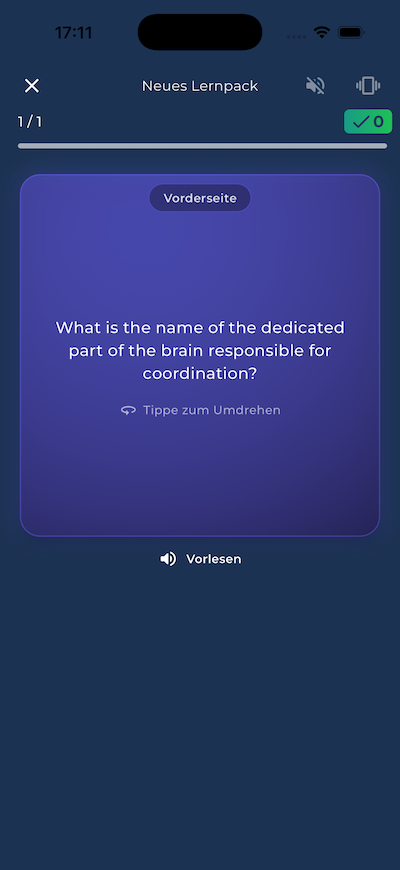
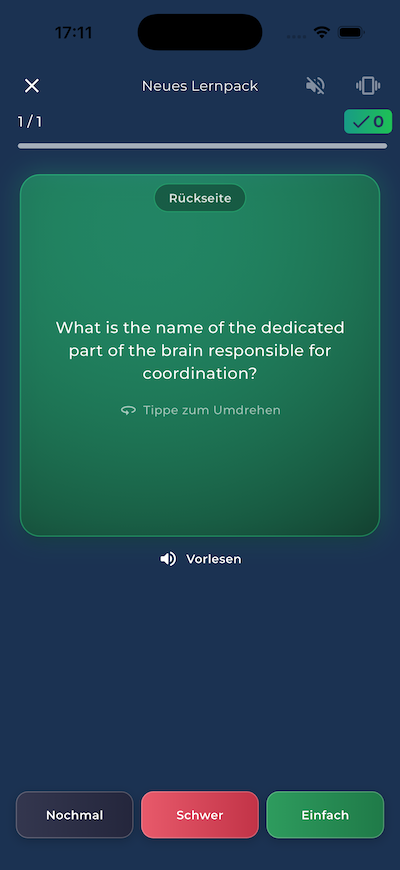
Already got an Anki deck? Perfect. Import your cards into Learn Battle in just a few clicks and keep learning them — now with spaced repetition, battle mode and Lio by your side.
  1. 1 Open AnkiLaunch the Anki app on your computer.
  2. 2 Choose exportClick the export button in the menu.
  3. 3 Select your deckPick the deck you want to bring along.
  4. 4 Choose text formatExport your deck as a text file.
  5. 5 Upload & start learningUpload the file to Learn Battle and start learning right away.
Imported from Anki
Flashcard imported from Anki in the Learn Battle app
Lio mini-game

Can you swing Lio through the galaxy?

Guide the rocket, collect stars with Lio and beat your personal highscore – all in 60 seconds.

Try the Lio mini-game

Free in your browser – playable on desktop.

Get the app

Start your first mission. Free for iOS, Android and directly in your browser.

Get started as a teacher

Create learning content for your courses – in Learn Battle Studio.

Go to Studio

Frequently asked questions

For everyone looking for fun while learning – pupils, students and teachers. Whether you train alone or compete as a team against friends.
Yes! You can download Learn Battle for free or use in your web browser and use all core modes. For institutions and extended Studio features, there are additional packages.
Learn Battle combines spaced repetition, live Battles with friends, and an AI that turns your material into learning questions in seconds – hosted in Germany.
No. You can upload your own material and Lio automatically creates your learning questions. Teachers can additionally provide curated content.
Learn Battle is available for iOS and Android as well as in the browser. Your progress syncs across all devices.